How Can Automated Narrative Time Entries Save You Time and Reduce Errors?
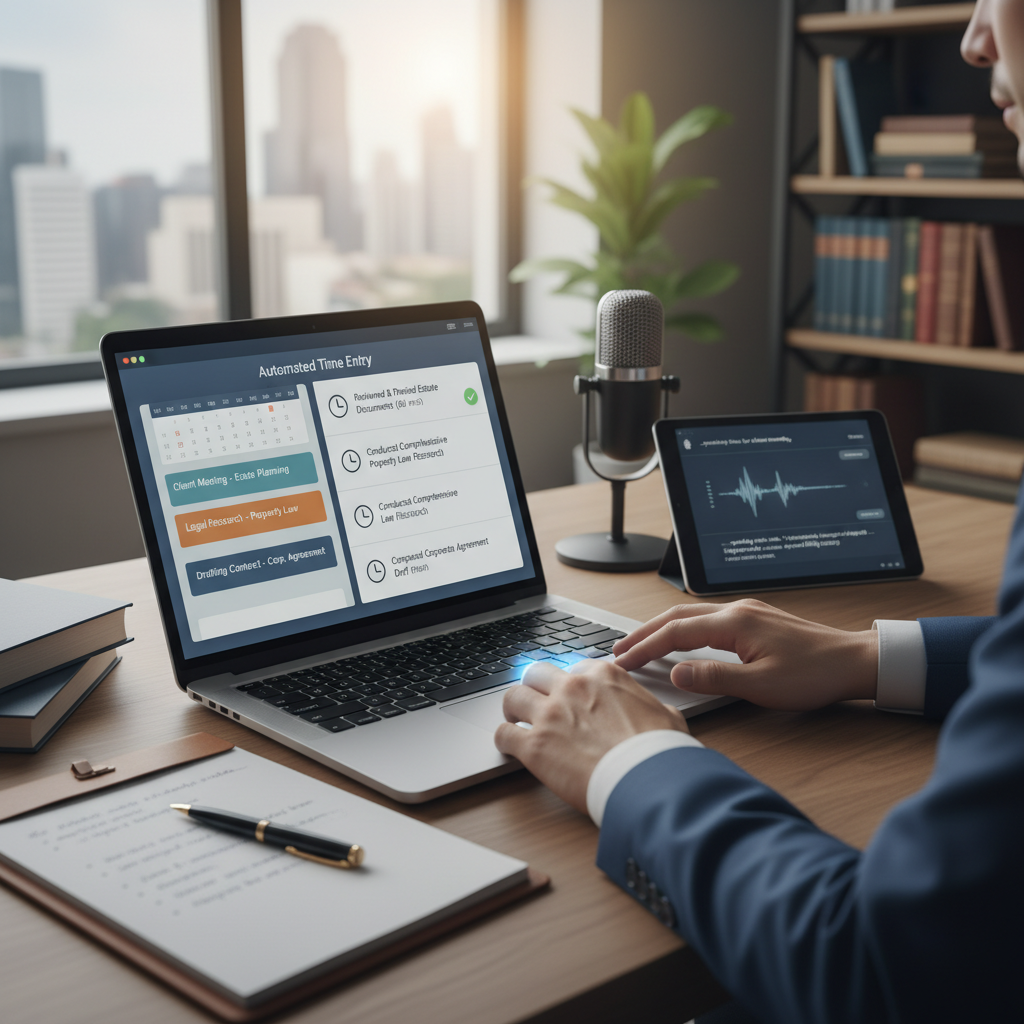
Are you spending too much time manually entering your billable hours?
Many lawyers and legal staff find themselves spending valuable minutes each day writing out detailed descriptions of their work. This process can be tedious and prone to mistakes. Fortunately, simple automation tools now make it easier to create accurate, consistent narrative time entries without extra effort.
What are automated narrative time entries?
Automated narrative time entries are tools that help you record your work in a clear, detailed way without typing everything out manually. They use your notes, calendar entries, or activity logs to generate descriptions of your tasks. This means you can focus on your work, not on writing down every detail.
Why should you consider using automated narrative time entries?
- Save time: Instead of typing each entry, the system creates a draft based on your activities.
- Reduce errors: Automated entries are less likely to have typos or missing details.
- Maintain consistency: Your descriptions follow a standard format, making billing clearer for clients.
- Improve accuracy: The system pulls information directly from your calendar or task logs, ensuring nothing is forgotten.
How do these tools work in practice?
Many legal practice management systems, like Clio or MyCase, offer features or integrations that help automate narrative entries. For example, when you log your time in a calendar or task app, the system can generate a brief description based on the activity. Some tools even allow voice-to-text features, so you can speak your notes and have them turned into written entries.
What simple tools can help automate your narrative time entries?
- Clio Grow and Clio Manage: These platforms connect your calendar and time entries, helping generate descriptions based on your logged activities.
- TimeSolv: Offers features that automatically suggest narrative descriptions based on your time entries.
- Voice recognition tools like Dragon NaturallySpeaking or Otter.ai: Convert spoken notes into written descriptions that can be attached to your time entries.
Practical tips for getting started
- Use your calendar: Record your activities in your calendar and let the system generate descriptions from those entries.
- Keep notes brief but specific: When speaking or writing notes, focus on key details to make the generated description more accurate.
- Review before billing: Always check the automated entries for accuracy before submitting your bill.
- Set aside a few minutes daily: Regularly review and adjust your automated entries to ensure they reflect your work accurately.
Final thoughts
Automated narrative time entries are a simple way to save time and reduce errors in your billing process. By connecting your existing tools and making small adjustments, you can spend less time on administrative tasks and more on practicing law. Start with one tool or feature today and see how much easier your daily work becomes.