How Can Automation Errors Impact Legal Liability and What Can You Do About It?
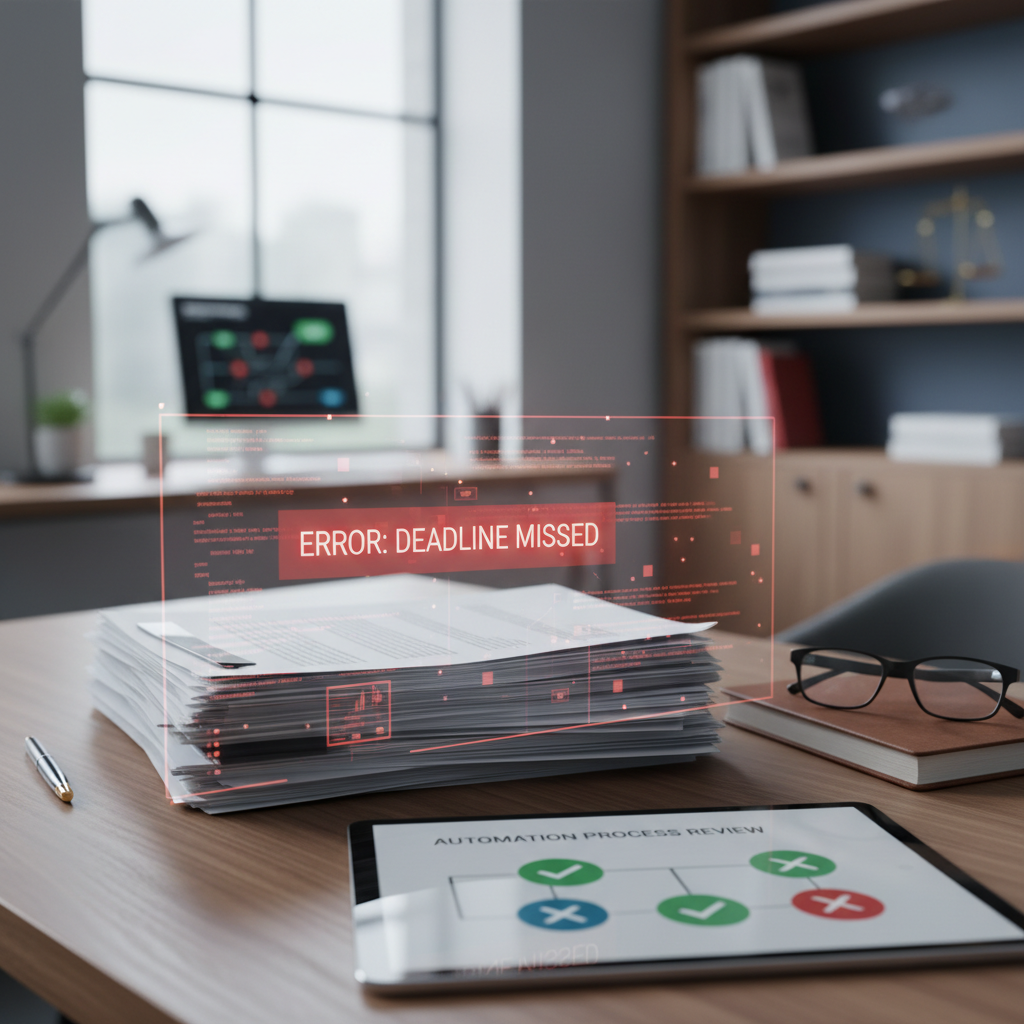
Are you worried about automation errors leading to legal liability?
Many lawyers are exploring automation tools to save time and reduce manual work. But a common concern is: what happens if an automated process makes a mistake? Could that lead to legal liability for your firm?
Understanding how automation errors can affect your legal liability is key to using these tools safely. The good news is that with simple steps, you can minimize risks and protect your practice.
What Are Automation Errors in Legal Practice?
Automation errors happen when a tool or system produces incorrect or incomplete information. This could be as simple as a typo in a document generated by a document automation tool or as serious as missing a deadline because a reminder was not set correctly.
Common sources of errors include incorrect data entry, flawed templates, or misconfigured automation rules. These mistakes can lead to legal issues, client complaints, or even malpractice claims if not caught early.
Why Are Automation Errors a Legal Liability Concern?
Legal liability arises when a mistake causes harm or damages a client. If an automation error results in a missed deadline, incorrect legal advice, or a flawed document, your firm could be held responsible.
Even if the mistake was caused by a tool, you are still responsible for the work your firm produces. This means you need to be aware of how automation errors can impact your liability and take steps to prevent them.
Practical Steps to Reduce Legal Liability from Automation Errors
- Use simple, reliable tools: Choose automation tools focused on specific tasks, like Clio Grow for client intake or HotDocs for document automation. These tools are less likely to produce errors if used correctly.
- Implement review processes: Always review automated documents or data before sending them out. A quick second check can catch most mistakes.
- Set clear protocols: Develop standard procedures for automation tasks. For example, verify data inputs and confirm that templates are up to date.
- Train staff properly: Make sure everyone understands how to use automation tools correctly. Proper training reduces user errors that can lead to liability issues.
- Maintain documentation: Keep records of how automation is used and reviewed. This documentation can be helpful if questions about errors or liability arise later.
- Stay updated on tool changes: Regularly check for updates or changes in your automation tools. Outdated templates or rules can cause errors.
How to Handle Automation Errors When They Occur
If you discover an automation error, act quickly. Notify the affected client if necessary, correct the mistake, and document what happened. Being transparent and prompt can help limit liability and maintain trust.
In some cases, consulting with a legal liability focused professional can help you understand your responsibilities and how to best protect your firm.
Conclusion
Automation errors can pose a real risk to legal liability, but with simple, practical steps, you can reduce that risk significantly. Focus on using reliable tools, reviewing automated work, and maintaining clear procedures. These habits help ensure automation saves you time without exposing your firm to unnecessary legal risks.