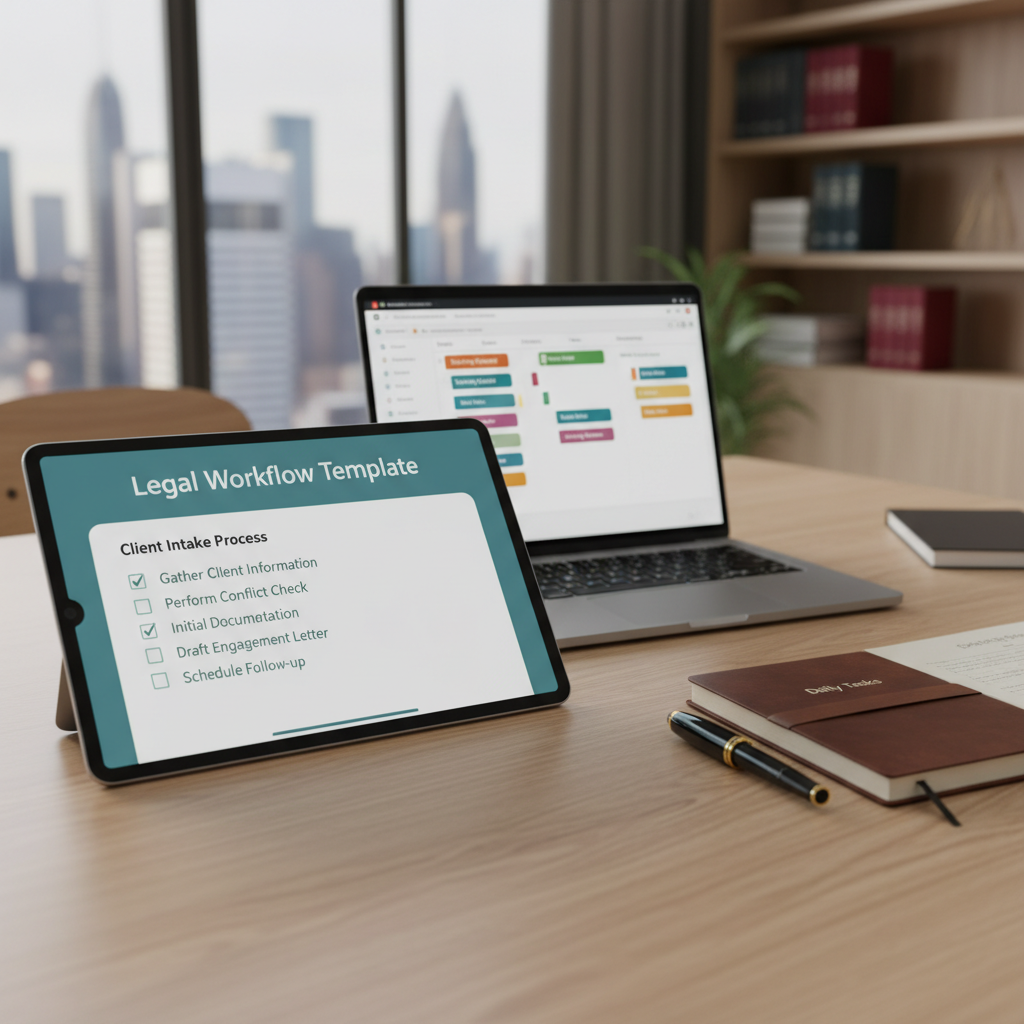

Many lawyers ask how they can make daily tasks easier without adding complexity. Automation is often seen as complicated or overwhelming. But there’s a simple way to save time and avoid mistakes: using legal workflow templates.
What Are Legal Workflow Templates?
Legal workflow templates are pre-made checklists or step-by-step guides designed for common tasks. They help you follow a consistent process every time, whether it’s drafting a contract, preparing for a hearing, or closing a case.
Why Use Legal Workflow Templates?
- Save Time: Instead of creating a new plan for each case, you start with a ready-made template. This speeds up your work and frees you to focus on more complex issues.
- Reduce Errors: Templates ensure you don’t forget important steps. They act as a reminder for tasks like filing deadlines, document review, or client follow-up.
- Maintain Consistency: Using the same process for similar cases helps your firm deliver predictable, reliable service.
- Easy to Update: You can modify templates as laws change or your procedures improve, keeping your work current without starting from scratch.
Practical Ways to Use Legal Workflow Templates
Here are some common tasks where templates can help:
- Client Intake: Create a checklist for gathering client information, conflict checks, and initial documentation.
- Document Drafting: Use templates for contracts, pleadings, or discovery requests to ensure all necessary clauses are included.
- Case Management: Outline steps for case review, deadlines, and follow-up tasks to keep everything on track.
- Closing a Matter: Standardize the process for final billing, file archiving, and client communication.
Tools to Create and Use Legal Workflow Templates
Many simple tools can help you build and manage these templates:
- Microsoft Word or Google Docs: Use document templates for common legal forms and checklists.
- Trello or Asana: Create boards or tasks that follow your workflow steps, making it easy to track progress.
- Clio Grow or PracticePanther: These legal practice management tools include features for creating custom workflows and checklists.
Getting Started with Legal Workflow Templates
Begin by listing your most common tasks. Break each down into clear steps. Save these as templates in your preferred tool. Over time, refine them based on what works best.
Final Tips
- Keep templates simple and easy to follow.
- Review and update them regularly to reflect changes in law or practice.
- Share templates with your team to ensure everyone follows the same process.
Using legal workflow templates is a straightforward way to save time and reduce mistakes. They help you work more consistently and confidently, even on busy days. Start small, and you’ll find these tools make a real difference in your daily practice.