How Can Automated Document Version Comparison Save Time in Your Law Practice?
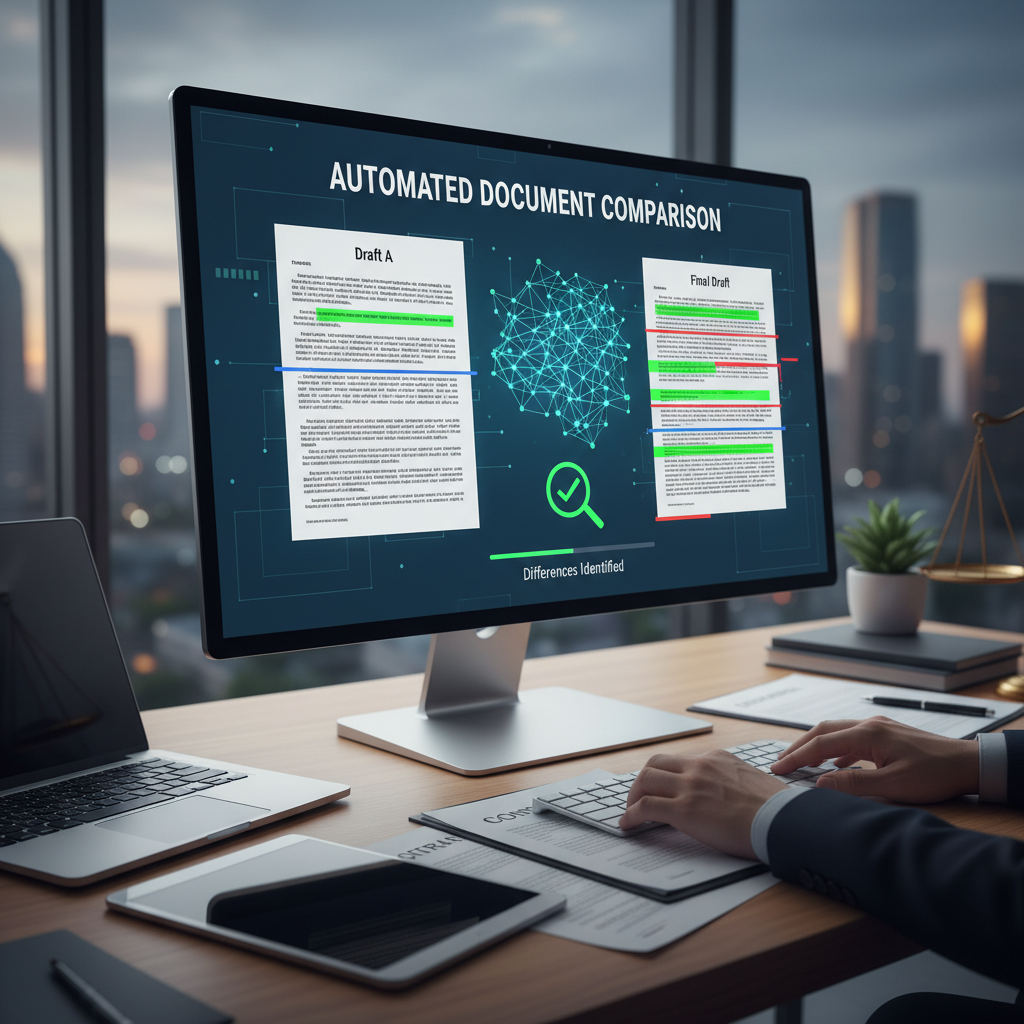
Many lawyers ask how they can quickly spot differences between document versions without spending hours on manual review. When working on contracts, pleadings, or legal memos, keeping track of changes is essential. But comparing multiple versions manually can be tedious and prone to errors.
Fortunately, **automated document version comparison using AI** offers a simple way to save time and reduce mistakes. This technology helps you see exactly what has changed between drafts, so you can focus on the substance rather than the process.
What Is Automated Document Version Comparison?
It is a tool that uses artificial intelligence to analyze two or more versions of a document and highlight the differences. Instead of reading through each version line by line, the software quickly identifies additions, deletions, and modifications.
Many legal professionals use tools like **Workshare Compare**, **Litera Compare**, or even features within **Microsoft Word** to perform these comparisons. These tools connect to your existing document system and do the heavy lifting for you.
Why Use AI for Document Comparison?
- Time savings: Automated comparison can review lengthy documents in seconds, freeing up hours each week.
- Accuracy: AI reduces the risk of missing important changes or overlooking errors.
- Readability: Visual highlights make it easy to see exactly what has changed, even in complex documents.
- Consistency: Ensures that all versions are reviewed thoroughly, reducing the chance of mistakes in final drafts.
How to Use Automated Document Comparison in Practice
Here’s a simple step-by-step approach:
- Choose a tool: Select a helpful software like **Workshare Compare** or **Litera Compare**. Many law firms already have access through their document management systems.
- Upload your documents: Load the different versions you want to compare into the tool.
- Run the comparison: Let the software analyze the documents. It will generate a report highlighting all differences.
- Review the changes: Focus on the highlighted sections to quickly understand what has been added, removed, or altered.
- Finalize your document: Make any necessary adjustments based on the comparison report.
Practical Tips for Getting the Most Out of Automated Document Comparison
- Use consistent formatting: Keep your documents formatted similarly to make comparison results clearer.
- Compare earlier drafts regularly: This helps catch unintended changes early.
- Train your staff: Show your team how to use the tools effectively to save time and avoid errors.
- Integrate with your existing systems: Connect comparison tools with your document management system for smoother workflows.
Automated document version comparison using AI is a straightforward way to save time and improve accuracy. It helps you focus on the substance of your work instead of spending hours on manual review. By adopting simple tools, your firm can handle document revisions more efficiently and reduce the risk of missing important changes.