How Can Automated Document Version Comparison Save Time in Your Law Practice?
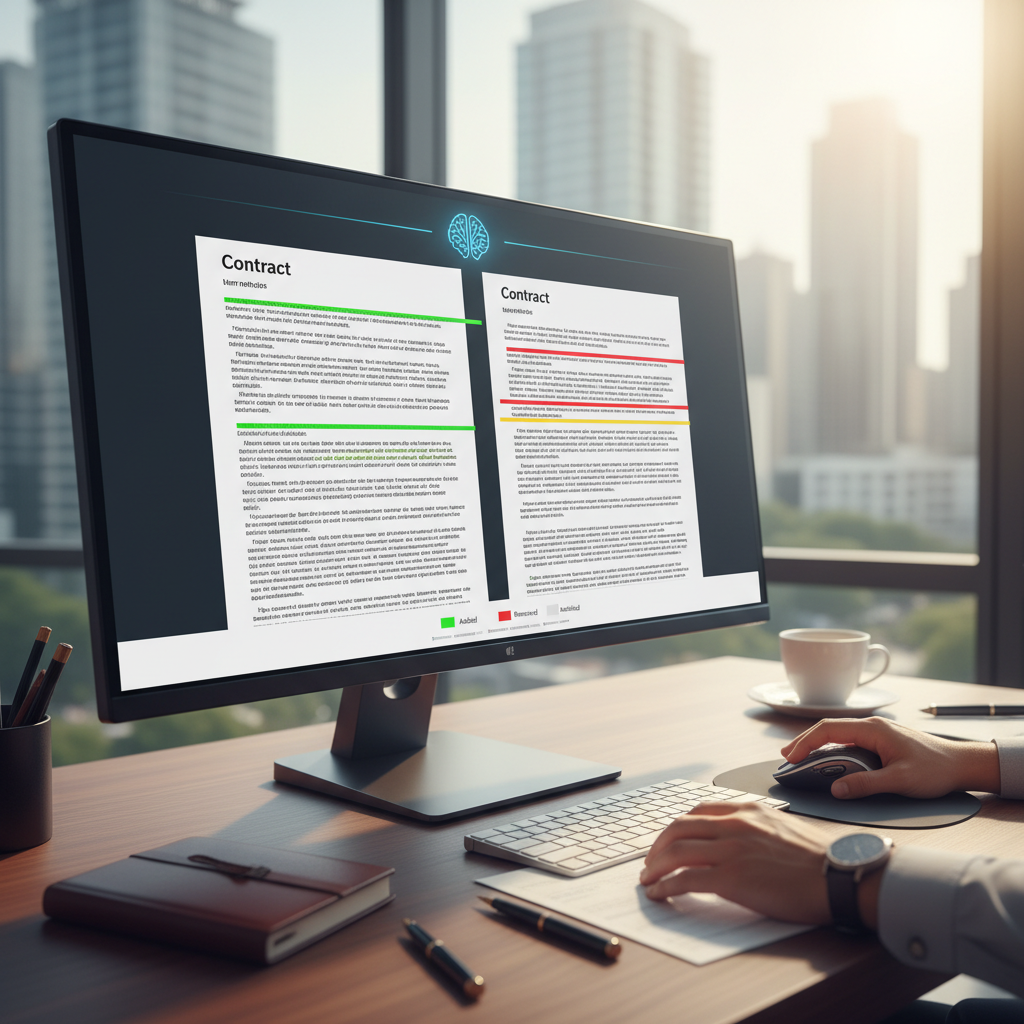
Are you spending too much time manually comparing different versions of legal documents?
Many lawyers and legal staff find themselves reviewing multiple drafts of contracts, pleadings, or memos. This process can be tedious and prone to errors. Fortunately, automated document version comparison tools powered by AI can help. These tools quickly identify changes between document versions, saving you hours of manual work.
What is automated document version comparison using AI?
It is a helpful technology that scans two or more versions of a document and highlights the differences. Unlike traditional methods that require reading through each draft line by line, AI-powered tools do this automatically. They can spot added, removed, or altered text, making it easier to review changes accurately and efficiently.
Why should lawyers consider using AI for document comparison?
- Time savings: Quickly identify what has changed without reading every word.
- Reduced errors: Minimize the risk of missing important modifications or overlooking mistakes.
- Better focus: Spend more time on substantive legal work rather than manual review.
- Easy to use: Many tools are simple to connect with existing document systems and require little training.
How does AI compare versions of legal documents?
AI tools analyze the text in each document and generate a clear report of differences. They can highlight additions, deletions, and modifications in a color-coded format. Some tools also provide side-by-side views, making it easy to see exactly what has changed. This process is much faster than manual comparison and reduces the chance of overlooking important edits.
What are some practical tools for automated document comparison?
- Workshare Compare: A helpful tool that connects with Word and PDF files, highlighting differences quickly.
- Litera Compare: Designed for legal documents, it offers clear comparison reports and easy review options.
- Adobe Acrobat Pro: Has a built-in compare feature for PDFs, useful for reviewing contract drafts or court filings.
- Draftable: A simple, web-based tool that compares Word and PDF documents and shows differences side by side.
How to get started with automated document comparison?
Choose a tool that connects well with your existing document system. Upload the different versions of your document, and let the software do the work. Review the comparison report, which clearly marks all changes. This process takes just a few minutes and can be repeated as often as needed.
What are the benefits of using AI for document comparison in your practice?
- Save time: Spend less time on manual review and more on legal strategy.
- Improve accuracy: Reduce the chance of missing important changes or making mistakes.
- Enhance consistency: Ensure all document versions are reviewed thoroughly and uniformly.
- Increase productivity: Handle more documents in less time, freeing up resources for other tasks.
Final thoughts
Automated document version comparison using AI is a helpful tool for busy legal professionals. It simplifies the review process, saves time, and reduces errors. By choosing a simple, focused tool, you can make your daily work more efficient without feeling overwhelmed by technology. Start small, test a few options, and see how much easier your document review process can become.