How Can Automated Legal Reminders Save You Time and Reduce Errors?
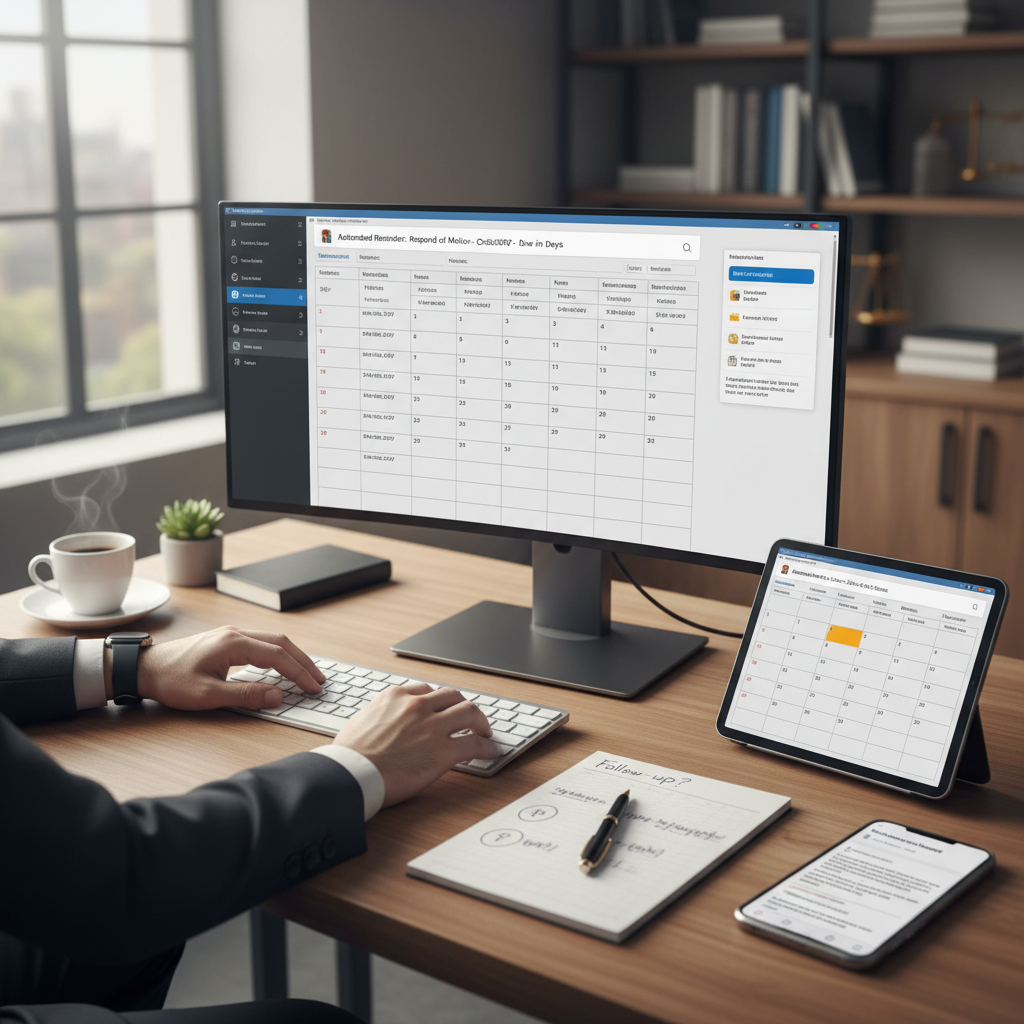
Are you spending too much time tracking deadlines manually?
Many lawyers and legal staff find themselves overwhelmed by deadlines, court dates, and client follow-ups. Forgetting an important date can lead to missed filings or penalties. Automated legal reminders offer a simple way to stay on top of these tasks without constant manual checking.
What are automated legal reminders?
Automated legal reminders are notifications set up to alert you about upcoming deadlines, appointments, or follow-up tasks. They can be scheduled days or weeks in advance and sent via email, text, or through your case management system. The goal is to help you remember important dates without having to check calendars constantly.
Why use automated legal reminders?
- Save time: No need to manually track every deadline or appointment.
- Reduce errors: Minimize the risk of missing critical dates that could harm your case or client relationships.
- Stay organized: Keep all your upcoming tasks in one place with automatic alerts.
- Improve client service: Send timely updates or reminders to clients about upcoming meetings or filings.
How to set up effective automated legal reminders
Start with your existing case management or calendar tools. Many of these platforms have built-in reminder features. If not, simple tools like Google Calendar or Outlook can be connected with email alerts.
Here are some practical steps:
- Identify key deadlines: Court dates, filing deadlines, client meetings, or follow-up calls.
- Schedule reminders early: Set alerts at least a few days before the deadline to give yourself time to prepare.
- Use clear, consistent language: Make sure reminder messages are straightforward and include essential details.
- Test your system: Confirm that notifications are received and understood.
Recommended tools for automated legal reminders
- Clio Manage: Offers built-in reminders for deadlines and appointments.
- MyCase: Sends automatic alerts for upcoming tasks and court dates.
- Google Calendar: Simple to set up reminders that sync across devices.
- Outlook: Use task reminders and calendar alerts for deadlines.
- Trello or Asana: Useful for tracking case tasks with automatic notifications.
Final thoughts
Implementing automated legal reminders is a straightforward step that can save hours each week. It reduces the chance of missing deadlines and helps keep your work organized. Start small by setting reminders for your most critical dates and expand as you see the benefits. The time saved and errors avoided make this a practical addition to any legal practice.