How Can Secure Messaging Automation Save Time and Reduce Errors in Your Law Practice?
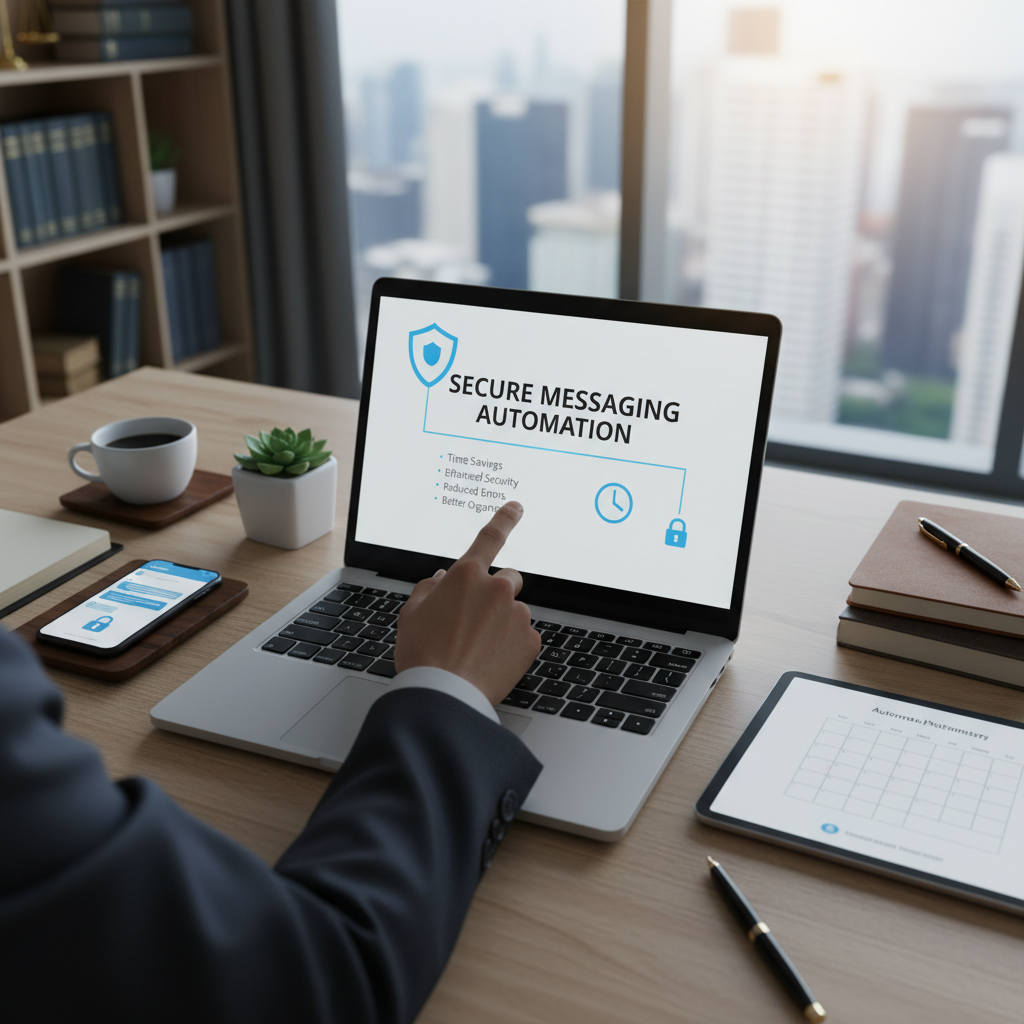
Are you spending too much time managing client messages and worried about security?
Many lawyers face daily challenges with handling sensitive communications. Sending confidential messages through email or unsecured apps can be slow and risky. Automating secure messaging offers a practical way to save time and keep client information safe.
What is secure messaging automation?
Secure messaging automation involves using tools that automatically send, receive, and store encrypted messages. These tools connect with your existing communication channels, ensuring that all sensitive information stays protected without extra effort from you.
Why should law firms consider secure messaging automation?
- Time savings: Automating routine messages means less manual work, freeing your time for more important tasks.
- Reduced errors: Automation minimizes the chance of sending messages to the wrong person or forgetting to include important details.
- Enhanced security: Encryption keeps client data safe from unauthorized access, complying with privacy rules.
- Better organization: Automated systems log all messages, making it easier to find and review communications later.
How does secure messaging automation work in practice?
Many simple tools connect with your email or messaging apps to automatically encrypt messages. For example, tools like Signal or ProtonMail can be set up to send encrypted messages with minimal effort. Some legal-specific platforms, such as MyCase or Clio Grow, include built-in secure messaging features that can be automated to send appointment reminders or follow-up messages.
Practical steps to implement secure messaging automation
- Choose a simple tool: Select a straightforward, trusted app that connects with your current communication channels. Look for options that automatically encrypt messages.
- Set up templates: Create standard message templates for common communications, such as appointment reminders or client updates. Automate their sending based on triggers like dates or case milestones.
- Automate routine messages: Use features like scheduled sending or triggers within your chosen platform to send messages without manual input.
- Ensure security compliance: Confirm the tool encrypts messages end-to-end and that your firm’s privacy policies are followed.
- Train staff: Show your team how to use the automation features to avoid mistakes and ensure consistent communication.
Real-world example
A small law firm started using a simple automation tool connected to their email system. They set up automatic appointment reminders that were encrypted and sent out 24 hours before meetings. This saved staff time and reduced the number of missed appointments. The firm also used the system to send follow-up messages after meetings, all secured and automated.
Final thoughts
Secure messaging automation is a straightforward way to save time and keep client information safe. By choosing simple tools and setting up basic automation, your firm can handle routine communications more efficiently. This approach reduces errors and helps you stay focused on your clients, not on managing messages.