How Can Voice to Text Automation Help Lawyers Save Time and Reduce Errors?
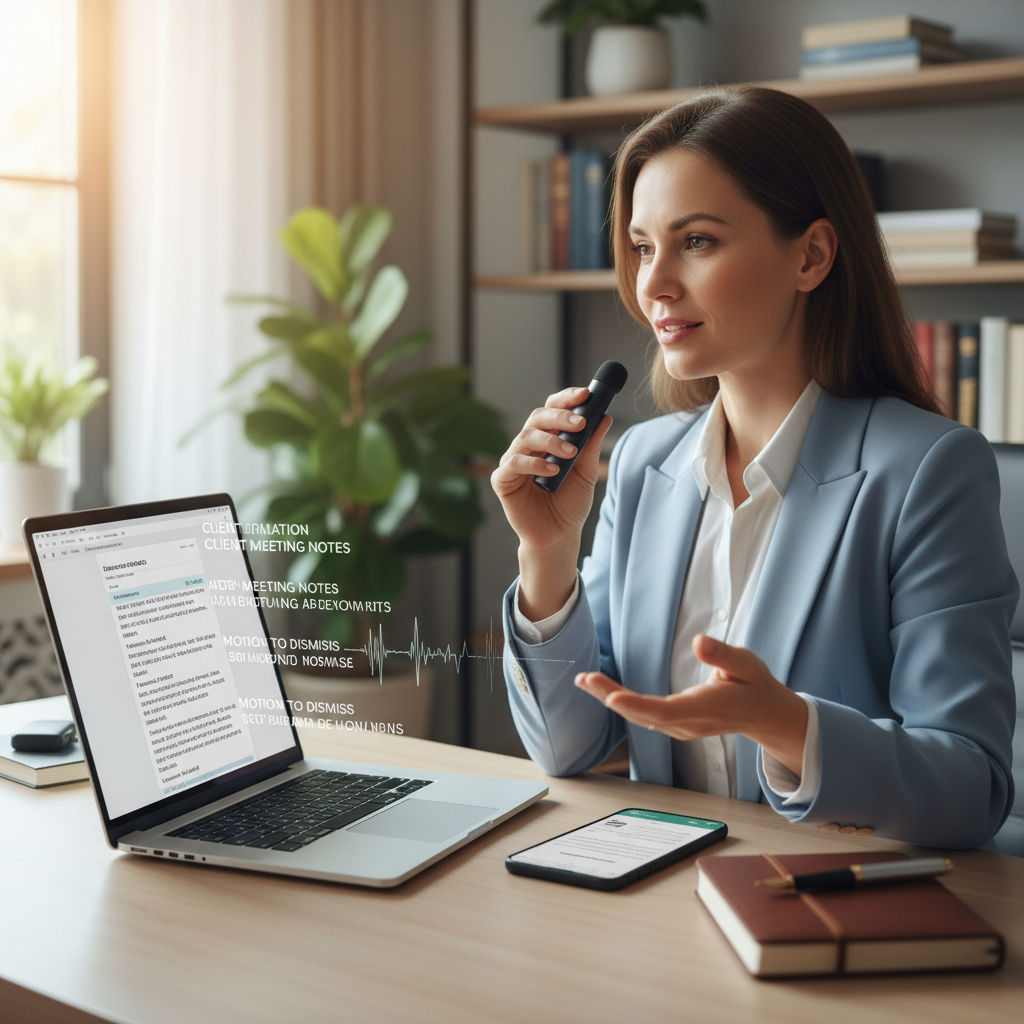
Many legal professionals ask how they can make daily tasks quicker without sacrificing accuracy. Voice to text automation offers a straightforward way to do just that. It allows you to speak your notes, memos, or even entire documents, which are then converted into written text automatically. This simple tool can help you spend less time typing and more time focusing on your cases.
Using voice to text in your legal workflow is easier than you might think. It requires no complex setup or technical knowledge. Instead, you can start saving time right away with tools that connect easily to your existing devices and software.
Why Use Voice to Text Automation in Your Practice?
- Save Time: Speaking is faster than typing, especially when capturing thoughts or drafting quick notes during meetings or court appearances.
- Reduce Errors: Manual typing can lead to typos or missed details. Voice to text captures your words directly, minimizing mistakes.
- Increase Productivity: Automating transcription tasks frees up your time for more important work, like reviewing documents or preparing for hearings.
Practical Ways to Use Voice to Text in Legal Work
- Drafting Documents: Dictate memos, client notes, or even sections of contracts. Tools like Dragon Anywhere or Google Docs voice typing can help you create drafts quickly.
- Recording Court or Client Meetings: Use voice to text apps to transcribe conversations in real time. This reduces the need for lengthy note-taking and ensures you capture every detail.
- Creating To-Do Lists and Reminders: Quickly speak your tasks into your phone or computer. This helps keep your work organized without interrupting your flow.
Choosing the Right Voice to Text Tool
Many options are available, but look for tools that are simple to use and connect easily to your devices. Popular choices include:
- Google Docs Voice Typing: Free and easy to access through your Google account. Works well for drafting and editing documents.
- Dragon Anywhere: A focused app that offers more accuracy and customization, ideal for lawyers who dictate frequently.
- Built-in Smartphone Features: Both iPhones and Android devices have voice-to-text features built in, which are helpful for quick notes or emails.
Tips for Getting the Most Out of Voice to Text
- Speak Clearly: Enunciate your words to improve accuracy. Avoid speaking too fast or mumbling.
- Use a Quiet Environment: Background noise can interfere with transcription. Find a quiet space when dictating important notes.
- Review and Edit: Always check the transcribed text for errors or omissions. Voice to text is helpful, but not perfect.
Final Thoughts
Implementing voice to text automation in your legal practice is a simple way to save time and reduce mistakes. It requires minimal setup and can be used immediately to help you work more efficiently. Whether drafting documents, recording meetings, or creating quick reminders, voice to text tools are a helpful addition to your daily routine.