How Can Voice to Text Automation Help Lawyers Save Time and Reduce Errors?
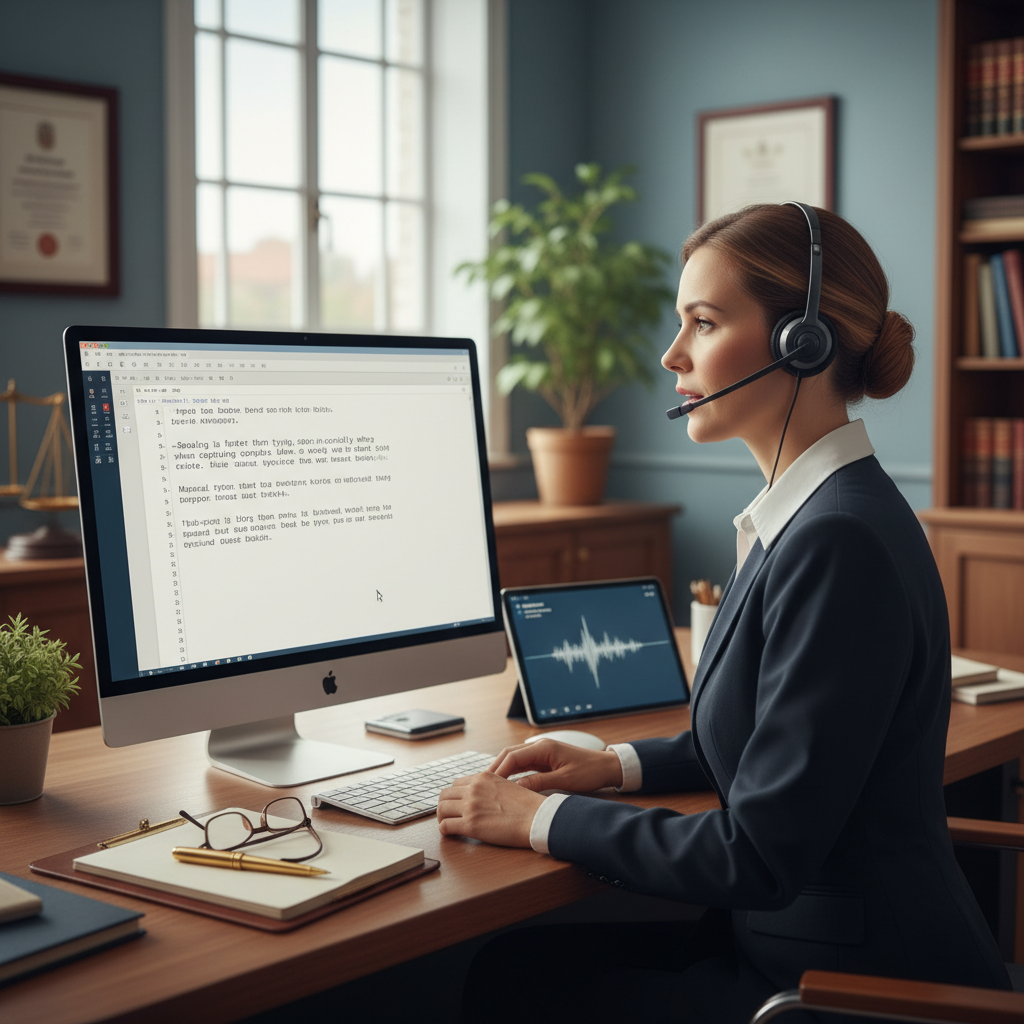
Many legal professionals ask how they can make daily tasks quicker without sacrificing accuracy. Voice to text automation offers a straightforward way to do just that. It allows you to speak your notes, memos, or even entire sections of documents, which are then converted into written text automatically. This simple tool can help you spend less time typing and more time focusing on your cases.
What Is Voice to Text Automation?
Voice to text automation uses software that listens to your speech and turns it into written words. It’s like having a digital stenographer that works in real time. You speak into a microphone, and the software transcribes your words instantly. This process is especially helpful for drafting emails, taking notes during meetings, or creating initial drafts of legal documents.
Why Use Voice to Text in a Law Practice?
- Saves Time: Speaking is faster than typing, especially when capturing complex ideas or lengthy notes.
- Reduces Errors: Manual typing can lead to typos or missed details. Voice transcription minimizes these mistakes.
- Helps with Accessibility: For attorneys with physical limitations or those who find typing difficult, voice to text offers an easier way to produce work.
- Streamlines Routine Tasks: Quickly draft memos, client summaries, or case notes without interrupting your workflow.
Practical Tips for Using Voice to Text Automation Effectively
- Choose the Right Tool: Popular options include Dragon NaturallySpeaking, Google Docs Voice Typing, and Otter.ai. Pick one that connects easily with your devices and suits your needs.
- Speak Clearly and Naturally: Enunciate your words and speak at a steady pace for better accuracy.
- Use a Good Microphone: A quality microphone reduces background noise and improves transcription quality.
- Review and Edit: Always check the transcribed text for errors or omissions before finalizing documents.
- Create Templates: Use voice commands to insert common phrases or legal boilerplate, saving even more time.
Simple Ways to Connect Voice to Text in Your Daily Practice
Start by trying free tools like Google Docs Voice Typing, which works directly in your browser. For more focused needs, consider dedicated software like Dragon NaturallySpeaking, which offers better accuracy and custom commands. Many of these tools connect easily with your existing word processors and email platforms, making it simple to incorporate voice to text into your routine.
Final Thoughts
Implementing voice to text automation doesn’t require complex setup or technical skills. It’s a helpful way to save time on routine writing tasks and reduce errors. By speaking your notes and drafts, you can free up more time for client work and case strategy. Start with a simple tool today and see how much easier your daily work becomes.